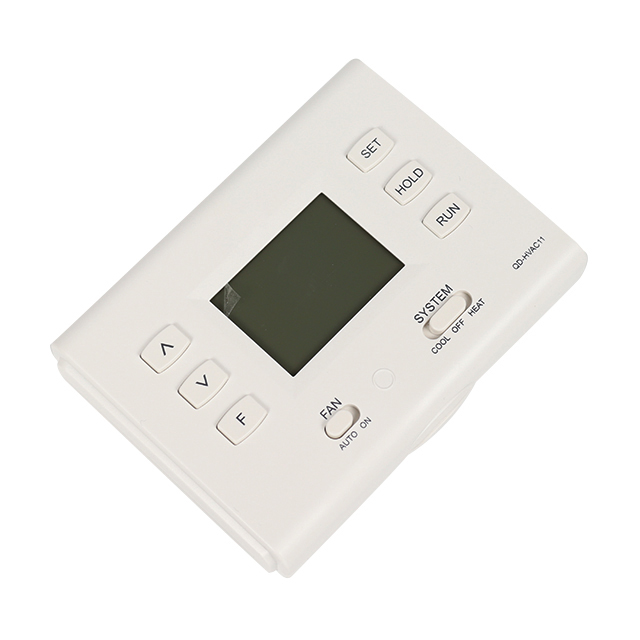
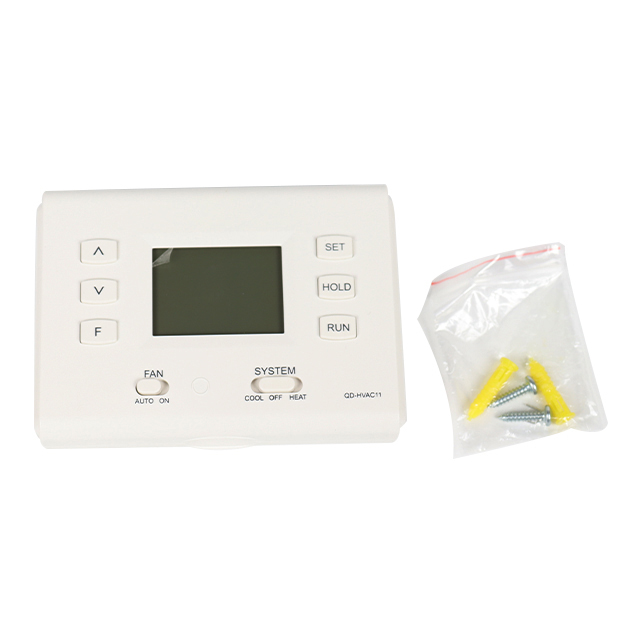
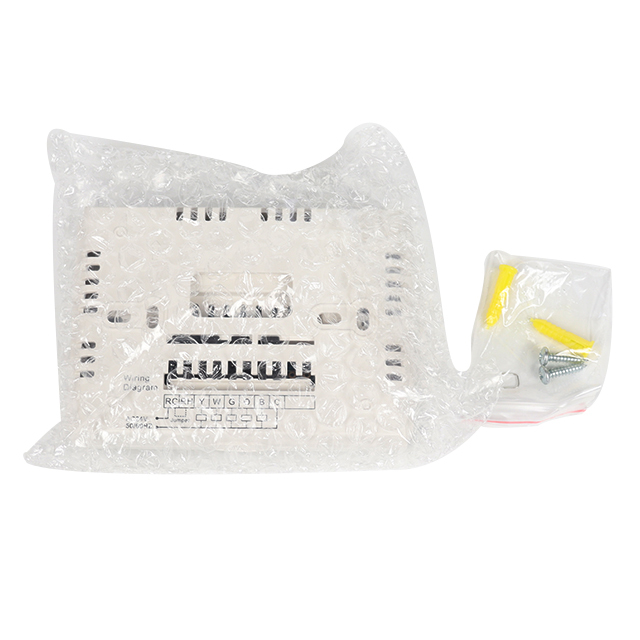
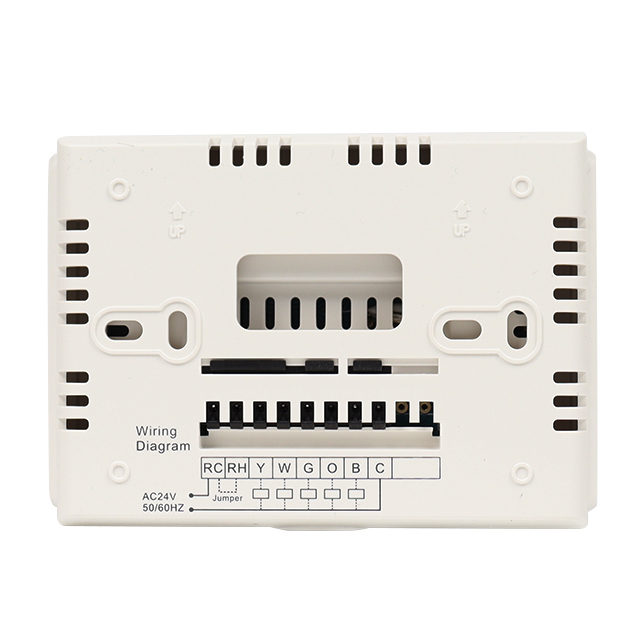
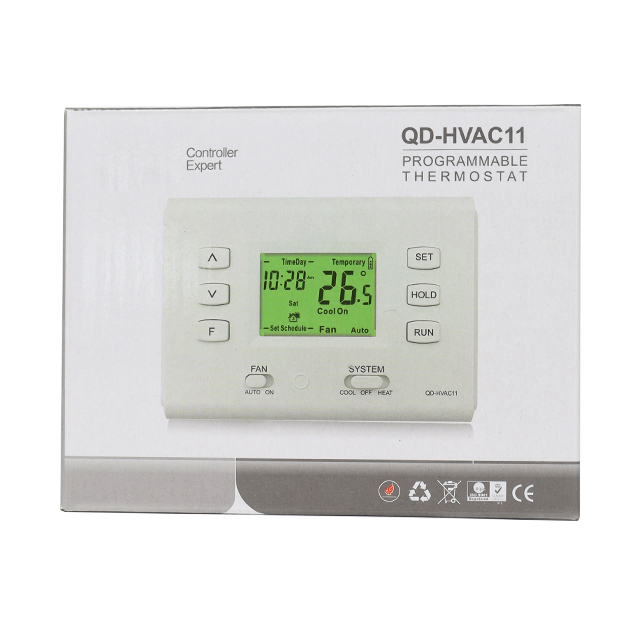
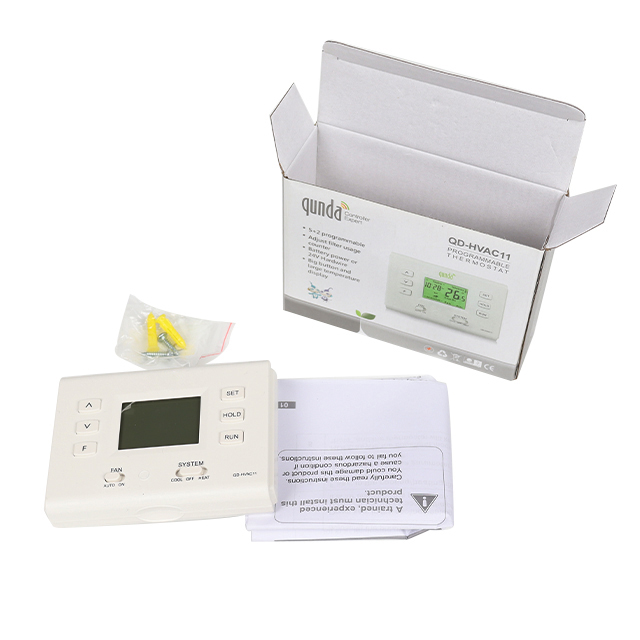
•Easy to program •Operate on 1 stage Heat and 1 stage cool
•Heat Pump without Aux or Emergency Heat
•Separate heating and cooling swing (cycle rate) adjustments
•5 minutes compressor delay protection (selectable on or off)
•Gas, Electric or Oil
•Optional temperature display of Fahrenheit or Celsius scale.
•Low Battery Indicator •Display temperature calibration
• Adjust filter usage counter
Application
Air Conditioner/Gas or Oil Heat/Electric Furnace/Heap Punp/Millivolt
Inquire
Add to Basket
Air Conditioner Thermostat Function Overview
Air Conditioner Thermostat Application
| Description | |
| 1 stage Heat and 1 stage Cool | Yes |
| Gas or Oil Heat | Yes |
| Electric Furnace | Yes |
| Heat Pump( NO Aux. or Emergency Heat) | Yes |
| Heat Only Systems | Yes |
| Heat Only Systems-Floor or Wall Furnaces | Yes |
| Cool Only Systems | Yes |
| Millivolt | Yes |
2. Air Conditioner Thermostat Feature
| • Programmable thermostat |
| •5+2 Programmable |
| •Easy to program |
| •Easy to install |
| •Battery power or 24V Hardwire |
| •Operate on 1 stage Heat and 1 stage cool. |
| •Heat Pump without Aux or Emergency Heat |
| •Separate heating and cooling swing(cycle rate) adjustments |
| •5 minutes compressor delay protection |
| (selectable on or off) |
| •Gas, Electric or Oil |
| •Optional temperature display of Fahrenheit or |
| Celsius scale. |
| • Low Battery Indicator |
| • Display temperature calibration |
| • Adjust filter usage counter |
Carefully read these instructions.You could damage this product or cause a hazardous condition if you fail to follow these instructions.
Air Conditioner Thermostat Diagram and Description
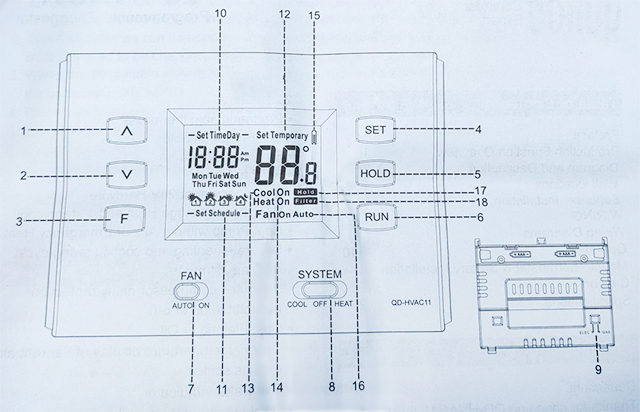
| Item | Description |
| 1 | Up key: in the cooling/heating mode, it is for raising the setting temperature. When setting the program and changing the system parameter, it is for adjusting the parameter. |
| 2 | Down key: in the cooling/heating mode, it is for lowering the setting temperature. When setting the program and changing the system parameter, it is for adjusting the parameter. |
| 3 | F key: in the cooling/heating mode, It can be used for inquiry and reset Filter Usage Days. |
| 4 | SET key:to enter the parameter changing interface or enter the programming mode |
| 5 | HOLD key:In the cool/heat mode, Press it only once, the LCD display "hold",and the thermostat will keep the set temperature. |
| 6 | Run key: Press only once,the thermostat operates according to the time programming.After setting the program and changing the system parameter,press the run key to save and exit the setting interface. |
| 7 | FAN Swith:For setting fan speed. |
| 8 | SYSTEM Switch:For setting mode. |
| 9 | Fan Operation Switch:Electric or Gas Setup. |
| 10 | Clock/Week: Display the current system time and week. |
| 11 | Program setting: it shows the system is in the setting process |
| 12 | Temperature: Display the room temperature or setting temperature. |
| 13 | Cool symbol: The cooling relay start to work when the symbol displayed.The symbol flashing means the cooling relay is in the set-up delay process. |
| 14 | Heat symbol: The heating relay start to work when the symbol displayed. The symbol flashing means the heating relay is in the set-up delay process. |
| 15 | Battery symbol: it means low power when the symbol displayed, so please change the battery in time. |
| 16 | Fan: display the current mode of the fan. |
| 17 | Hold symbol:when the symbol displayed, the setting temperature will be kept, and won't follow the setting program. |
| 18 | Filter symbol:when the symbol displayed, it means the number of filter usage days reach the set interval time. |
DABUND is a professional Air Conditioner Thermostat supplier, we have the best Air Conditioner Thermostat for the right price. Dabund has rich experience in exporting Air Conditioner Thermostat, contact us now for more information.
Please select a data source